
Sometimes the biggest bug in your system isn’t in the code; it’s your own complacency.
![[Blog Pipeline #3] Laziness, Duplicate Images, and Finding the Backdoor with Make.com](https://kevinsarchive.com/wp-content/uploads/2026/07/photo_20260703_132522.jpg)
The Rot of Mechanical Work
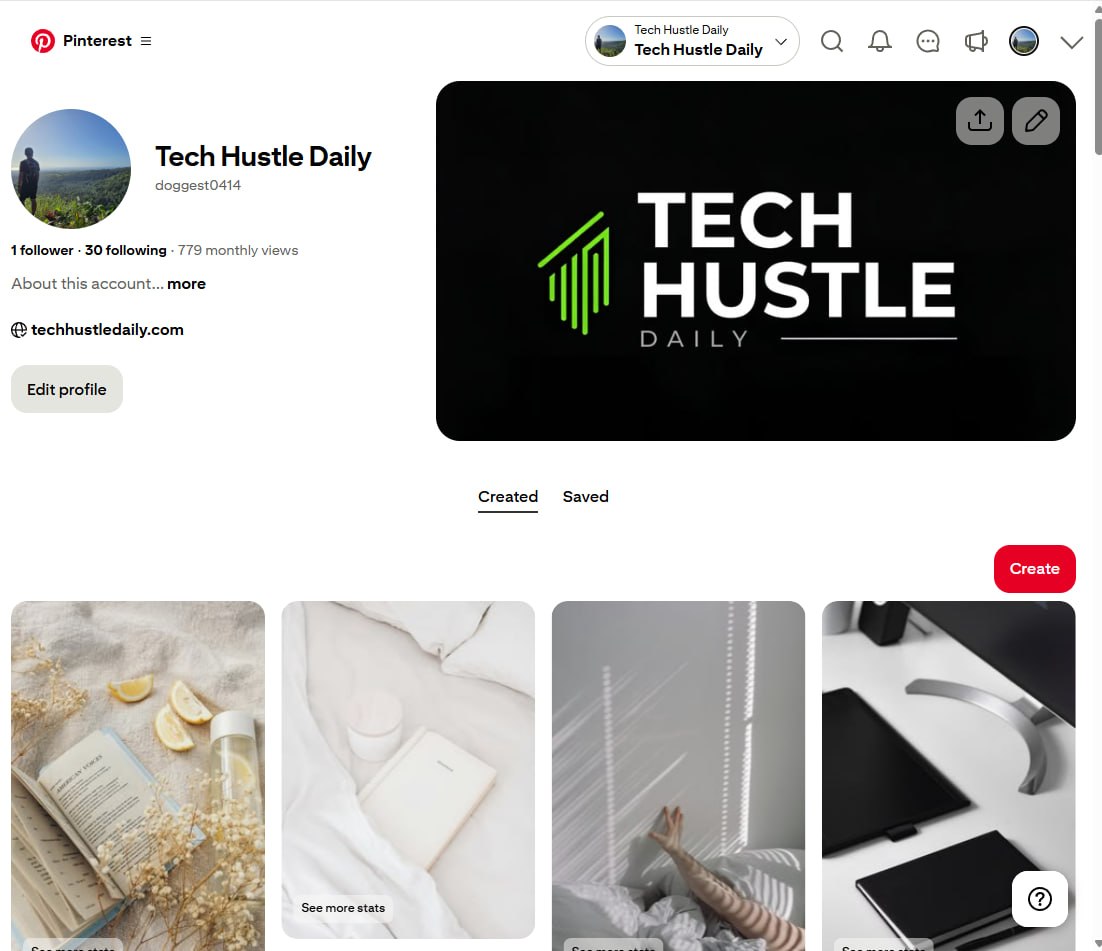
I’ve been keeping an eye on my “TechHustle Daily” Pinterest account, but I haven’t really *worked* on it. I could make the classic excuse of not having enough time, but let’s be honest—I was just being lazy. After my initial Pinterest API application was rejected, I fell into a purely mechanical rhythm: manually selecting posts and pushing them out. I never bothered to look back at the feed.
When I finally did, it was an “oops” moment. The feed was littered with duplicate images. The name “Tech Hustle Daily” evokes a relentless grind, but the feed is curated with calm, aesthetic lifestyle shots. The irony was thick. The front-end looked serene, but the back-end was broken and repetitive. The cause was simple: my Unsplash automation, searching for hyper-specific keywords, was running out of new photos. So, my system did what it was told: it kept pulling from a fallback “reserve magazine” of images, over and over again.
![[Blog Pipeline #3] Laziness, Duplicate Images, and Finding the Backdoor with Make.com](https://kevinsarchive.com/wp-content/uploads/2026/07/photo_20260703_133118.jpg)
Fixing the Leak, Then Rebuilding the Pipe
The immediate fix was straightforward. I built a dedicated Unsplash node just for the Pinterest pipeline, configured to pull an infinite stream of random vertical images. Problem solved. No more duplicates. But just patching the leak felt like a temporary solution. When you’re already covered in grease, you might as well go ahead and rebuild the whole engine.
The real issue wasn’t the duplicate images; it was my rigid, uninspired workflow. I was so focused on the mechanical task of *posting* that I forgot to think about how to post *smarter*. The initial API rejection had shut the front door, and I just stood there instead of looking for another way in.
![[Blog Pipeline #3] Laziness, Duplicate Images, and Finding the Backdoor with Make.com](https://kevinsarchive.com/wp-content/uploads/2026/07/photo_20260703_132529.jpg)
Finding the Backdoor with Make.com
That’s when I turned to Make.com. Why I didn’t think of it sooner is a testament to how deep you can get into a rut of mechanical execution. While I was fixing the image source, I decided to overhaul the entire distribution system. I used Make.com’s router function to build a new automation that intelligently distributes each piece of content to one of my six different Pinterest categories.
It wasn’t a particularly complex setup, but being unfamiliar with the platform, it was a bit of a struggle. It forced me to think differently. This is the essence of the hustle: if the official front door closes, you find a backdoor. My old process was a dead-end street. The new Make.com pipeline isn’t just a fix; it’s a multi-lane highway. It’s a humbling reminder that getting comfortable is the fastest way to become obsolete.

“True automation isn’t about replacing a task; it’s about rethinking the entire workflow from the ground up.”